Download BoothNook
Install the app from this site while it makes its way to Google Play.
8133db5fbc0b016369ed43d3d6a20c8b68abc9c729701f0b80a45f05e2ffaf63d567569f9c01aa81c1fa7d5eb84c76009688ba1bd6223d1c6aa5d42b0eb8820aHow to install it
Download the file
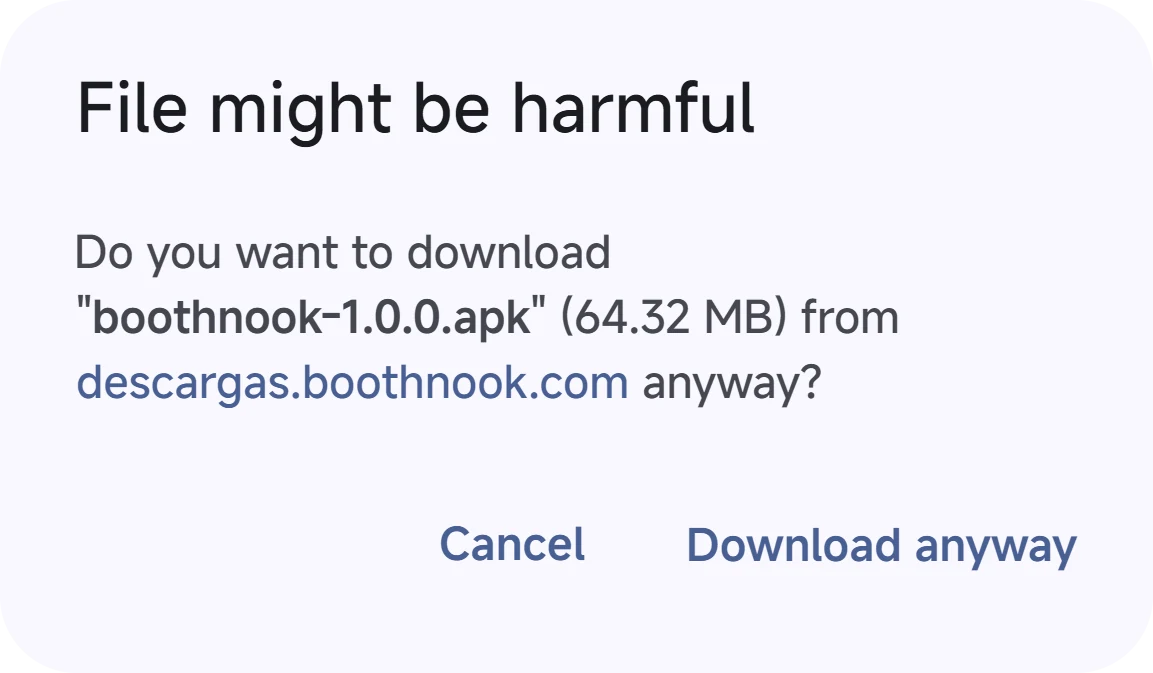
Tap “Download APK”. Your browser may warn that this type of file can be harmful: it is the standard warning for any APK.
Allow the installation
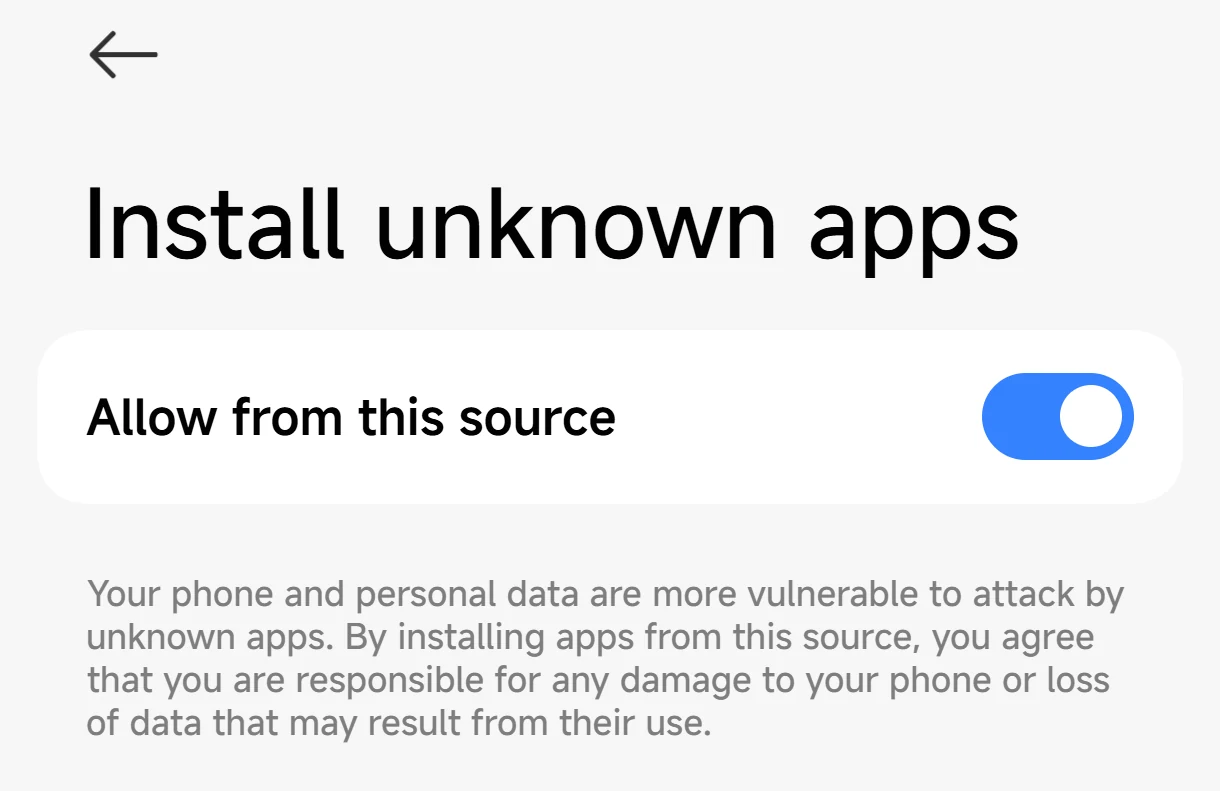
When you open the file, Android asks you to let your browser install unknown apps: turn on “Allow from this source” for this step only. On Android 7 the setting is called “Unknown sources”. Setting names may differ by manufacturer.
Install
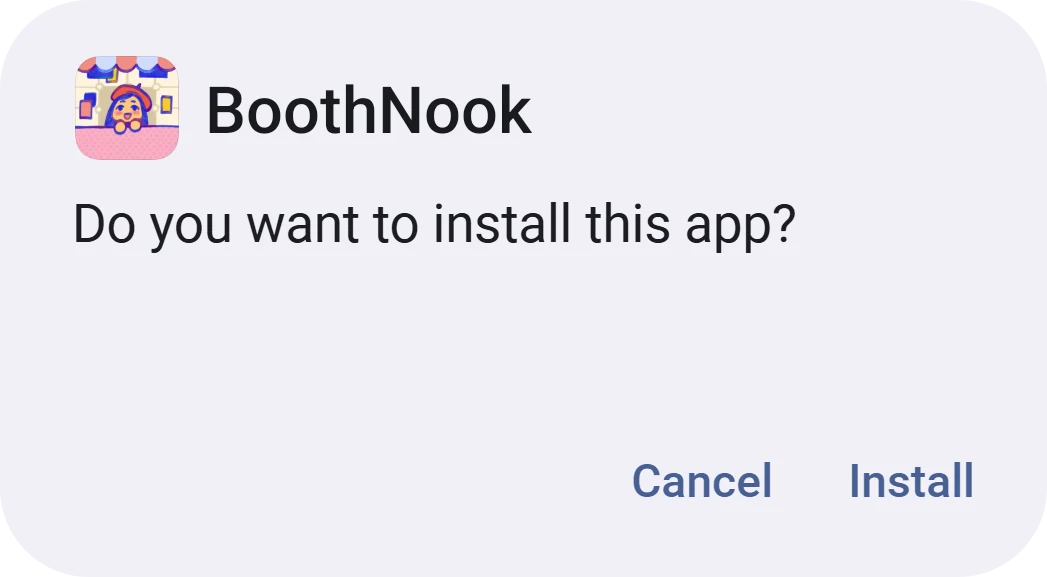
Tap “Install” and wait a few seconds. Google Play Protect, or your phone maker's scanner, may check the app and warn you or block the installation.
Open it
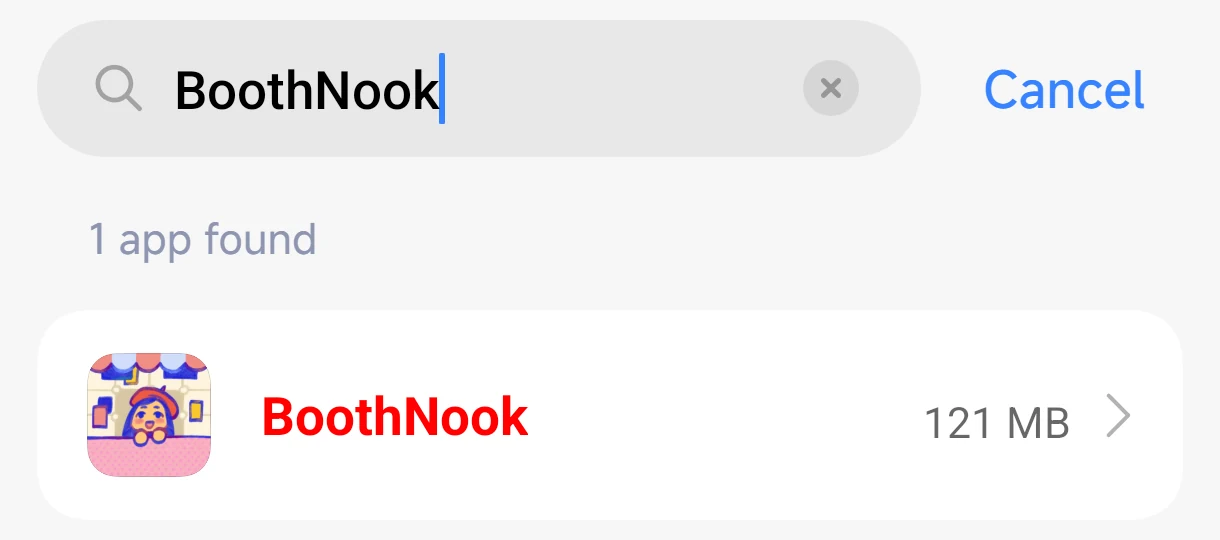
Find BoothNook among your apps. If you like, turn the permission from step 2 off again.
How do I check the fingerprint?
On a computer, run your system's command in the file's folder and compare the result with the fingerprint:
- Windows
certutil -hashfile boothnook-1.1.0.apk SHA256- macOS
shasum -a 256 boothnook-1.1.0.apk- Linux
sha256sum boothnook-1.1.0.apk
On Android, any file manager that shows the SHA-256 will do.
If they do not match, do not install the file and write to me at nikastudio.dev@gmail.com.
And who signed it?
With Android's build-tools, in the file's folder:
apksigner verify --print-certs boothnook-1.1.0.apkThe line “Signer #1 certificate SHA-256 digest” must match the certificate fingerprint. If it does not, someone else signed it: do not install it.
By downloading you accept the terms of use and the app licence.